k8s: Essential commands
In this article, I'll show essential commands that you use every day to work with k8s cluster.
Commands
Object creation, updating and deleting commands
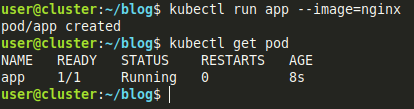
kubectl run app --image=nginx - Create and start a new pod that uses the nginx image
kubectl create deployment nginx-server --image=nginx - Create and start a new deployment named nginx-server that uses nginx:latest image

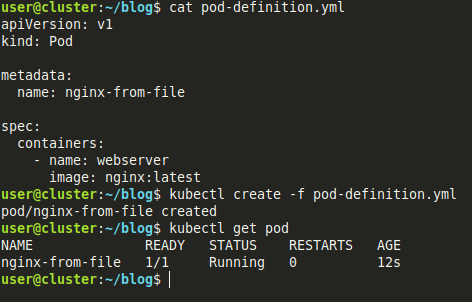
kubectl create -f pod-definition.yml - Create resources that defined in the pod-definition.yml file
kubectl delete -f pod-definition.yml - Delete resources that defined in the pod-definition.yml file

Information gathering commands
kubectl get pod / kubectl get po - Get the list of all pods in the current namespace

kubectl get pod -o wide - Get the list of all pods in the current namespace (with extra information)

kubectl get deployment - Get the list of deployments in the current namespace

kubectl get nodes / kubectl get no - Get the list of all nodes

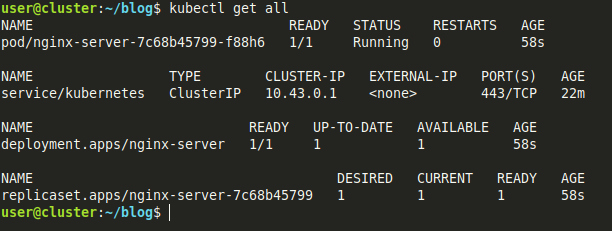
kubectl get all - Get the list of main resource types (pod, deployment, replica set, service, horizontal pod autoscaler, ...) in the current namespace
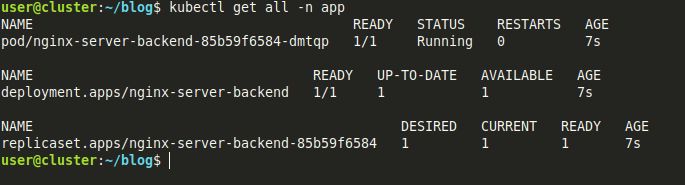
kubectl get all -n app - Get the list of main resource types (pod, deployment, replica set, service, horizontal pod autoscaler, ...) in the app namespace
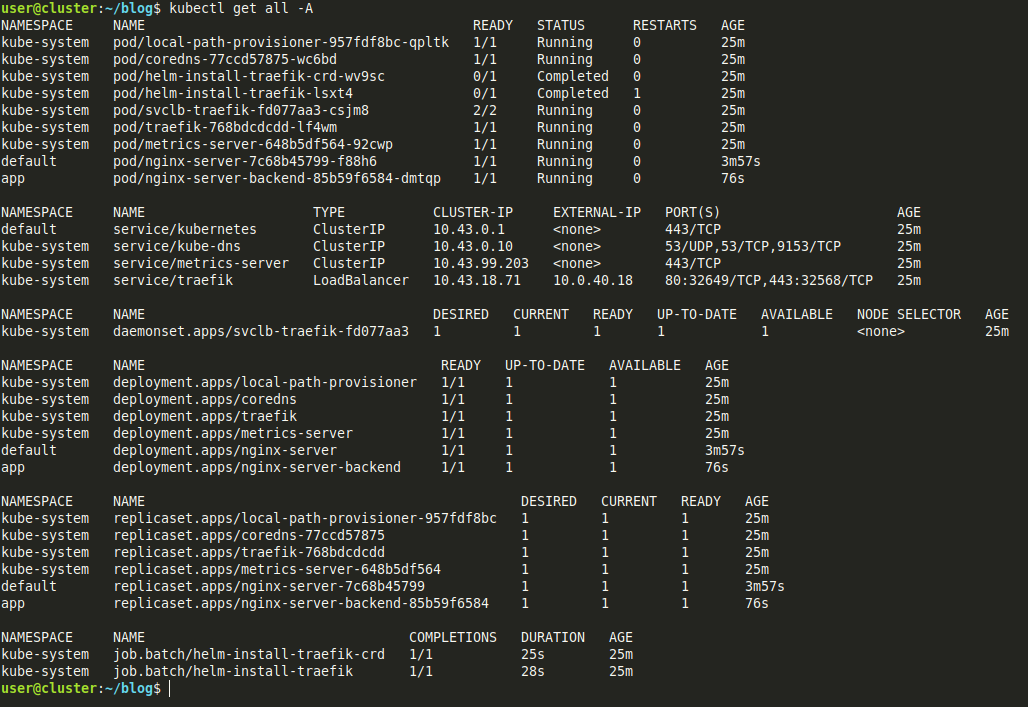
kubectl get all -A - Get the list of main resource types (pod, deployment, replica set, service, horizontal pod autoscaler, ...) in all namespaces
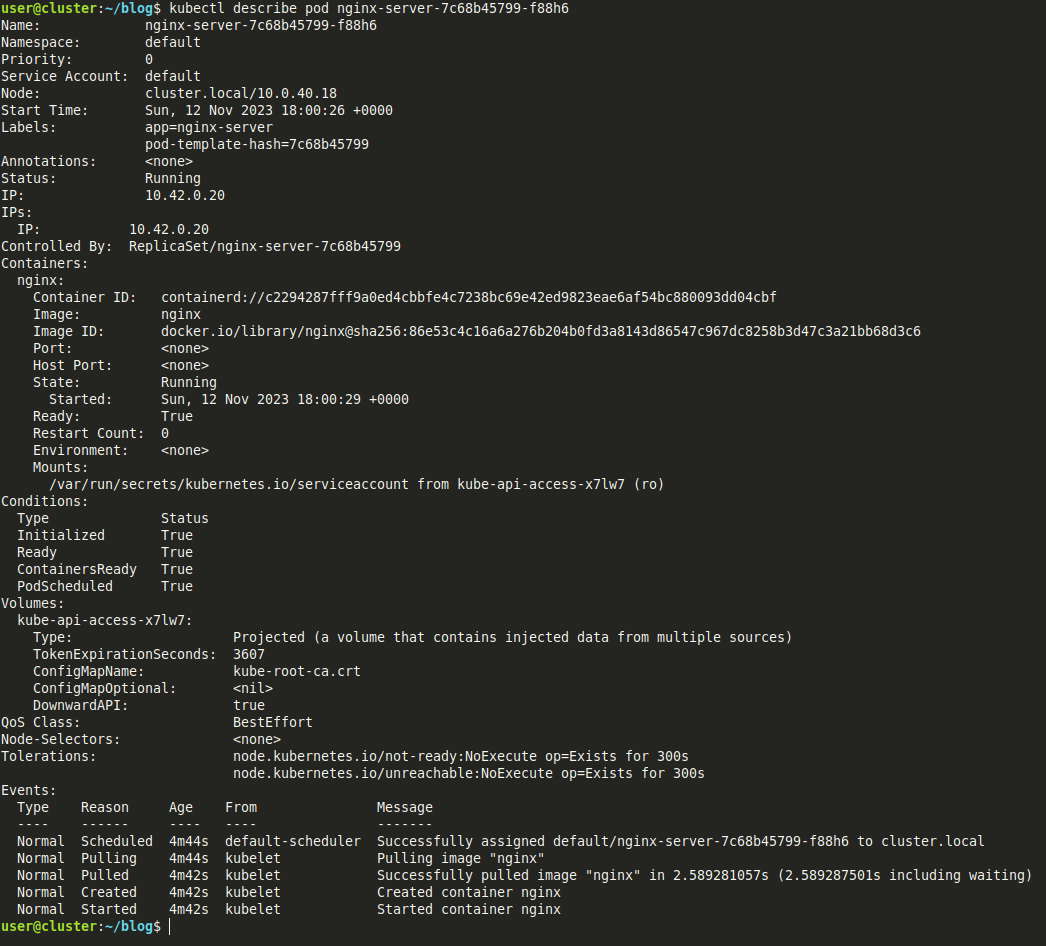
kubectl describe pod <POD_NAME> - Show detailed information about pod
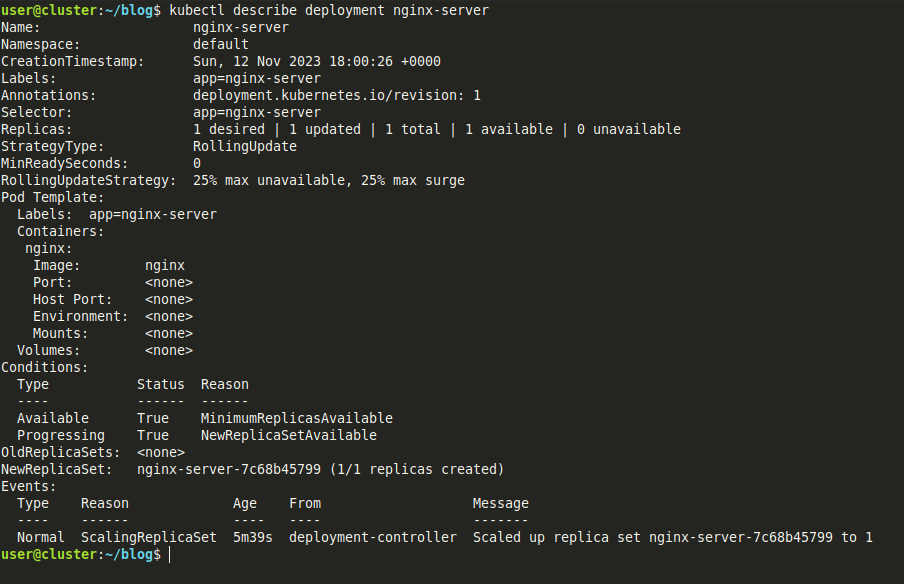
kubectl describe deployment <DEPLOYMENT_NAME> - Show detailed information about deployment
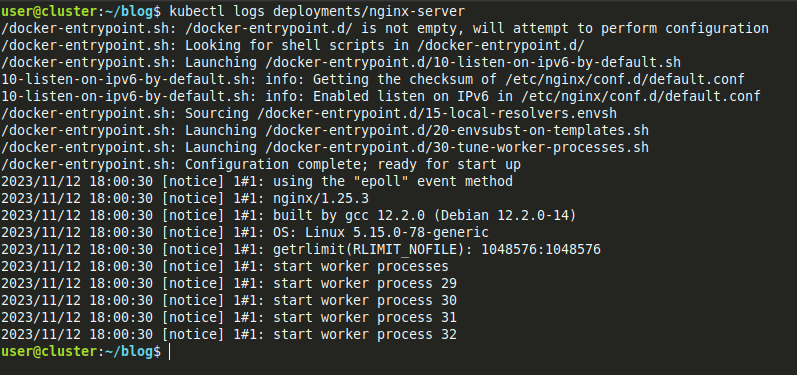
kubectl logs <OBJECT_NAME> - Display logs of the pod (retrieves logs of the primary container if the pod has multiple containers)
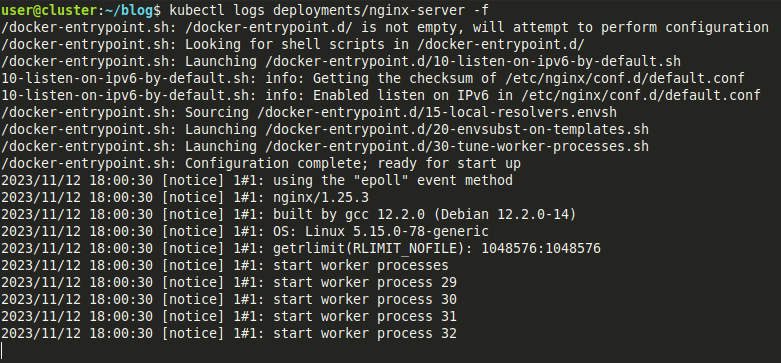
kubectl logs -f <OBJECT_NAME> - Continuously retrieve logs of object. For multiple containers it retrieves logs from random pod (retrieves logs of the primary container if pod have multiple containers)
Example
Create a pod definition file (backend-pod.yml):
# backend-pod.yml

apiVersion: v1
kind: Pod

metadata:
  name: nginx-from-file

spec:
  containers:
    - name: webserver
      image: nginx:latest
Then run kubectl create -f ./backend-pod.yml to create pod defined in backend-pod.yml file
Then you can see it in the list of pods by running kubectl get pods command
To get logs of the pod you can run kubectl logs <POD_NAME>
To get details of the pod you can run kubectl describe pod <POD_NAME>
To delete the pod you can use:
By pod name -
kubectl delete pod <POD_NAME>By file definition -
kubectl delete -f ./backend-pod.yml